
MacBook says 'Service Recommended' for the battery
This message means macOS has measured the battery and decided it no longer holds enough charge, or its health has dropped below Apple's threshold. It isn't an emergency on its own — but it's worth knowing what to watch for.
4 checks you can do at home
- 01
Read the condition
System Settings → Battery → Battery Health shows 'Normal' or 'Service Recommended', plus the maximum capacity on recent macOS versions.
- 02
Check the cycle count
Hold Option, click the Apple menu → System Information → Power. Most recent MacBook batteries are designed for around 1,000 cycles.
- 03
Watch how it behaves
Shutting down at 20–40%, or only running on the charger, means it's time. If it still lasts your day, you can plan the replacement.
- 04
Check the trackpad and case
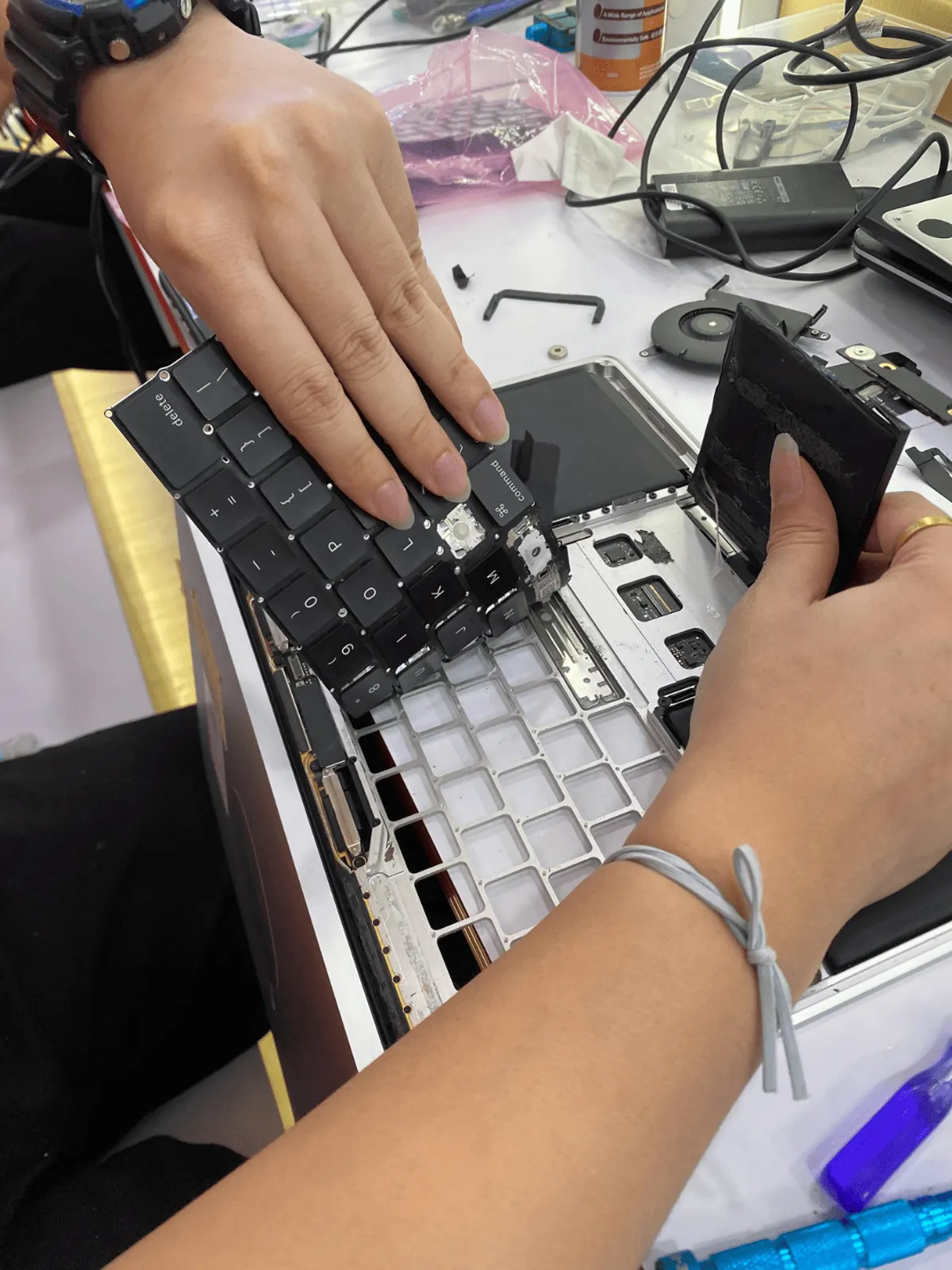
A raised trackpad or a bottom case that no longer sits flat can mean swelling — that one shouldn't wait.
If the battery has swollen — raised trackpad, bulging case, keyboard lifting — power it off, unplug it, and bring it in. Don't keep charging it.
What it usually turns out to be
Normal battery wear
The most common reason. The battery is a consumable part; the rest of the MacBook is fine.
How we fix it →Charging circuit reporting wrongly
Rare, but a board fault can make a healthy battery look bad. We check before replacing.
How we fix it →Diagnosis is free. We tell you what we found and the quote before any paid work starts.
Questions
Is it safe to keep using it?
If the battery isn't swollen, usually yes, with shorter battery life. Swelling is the exception — stop using it.
Does a new battery clear the message?
Yes, once the new battery is fitted and has been through a charge, the condition reads from the new cell.