
MacBook overheating or the fan won't stop
Some heat is normal — a MacBook rendering video or on a video call will run warm. What isn't normal is a fan at full speed while you're reading email, or a machine that shuts down from heat.
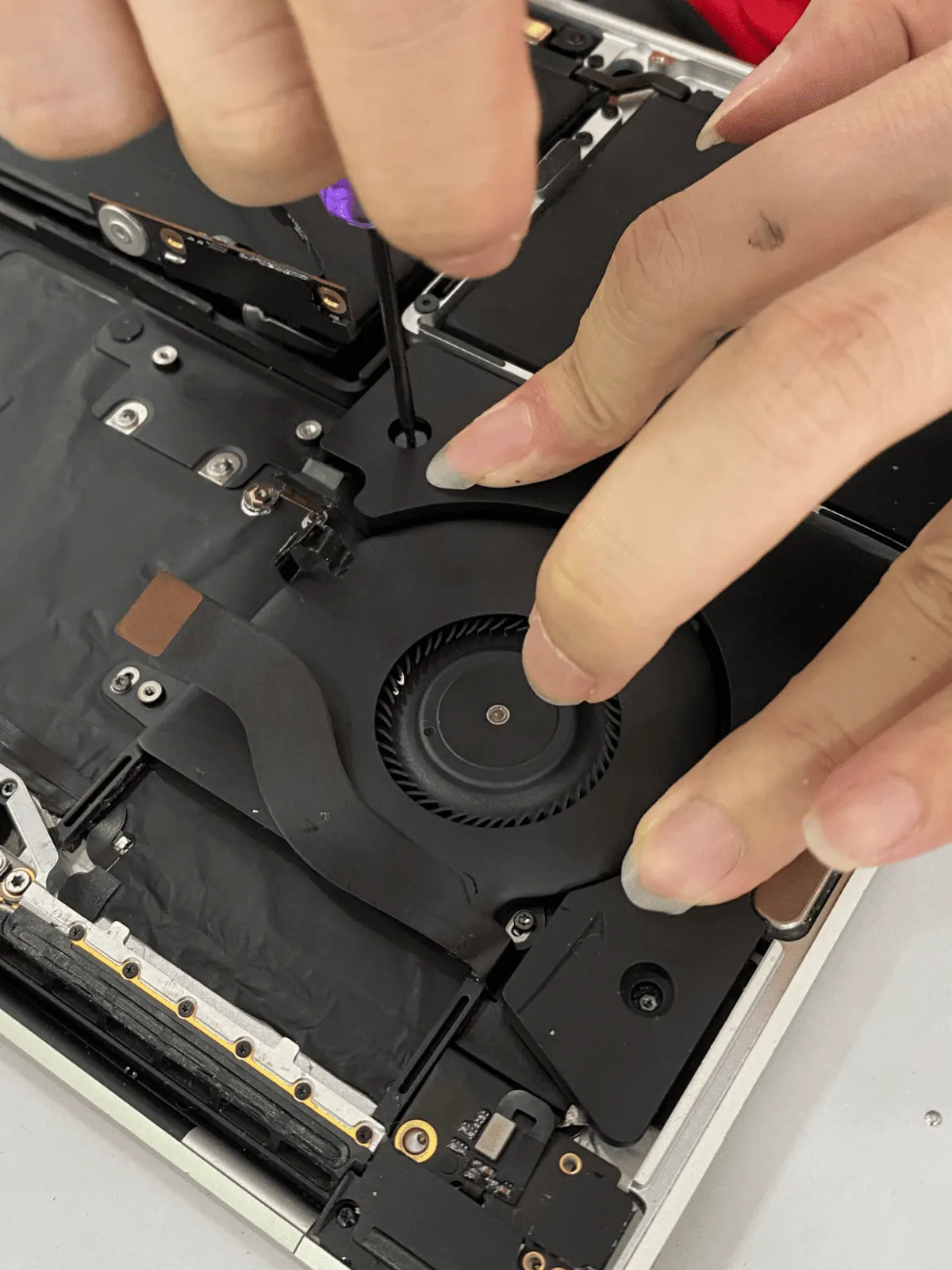
4 checks you can do at home
- 01
Find what's using the processor
Open Activity Monitor and sort by % CPU. A stuck browser tab or a background sync can keep the fan running for hours.
- 02
Give it air underneath
Using it on a bed, sofa or lap blocks the vents. Try it on a hard table for half an hour and see if the fan calms down.
- 03
Restart it
A restart clears stuck processes. If the fan settles after a restart and comes back later, it's software; if it's loud from the moment it boots, look deeper.
- 04
Note when it happens
Only on the charger? Only with an external display? These details help us narrow it down quickly.
If the MacBook shuts down from heat, the trackpad feels raised, or the bottom case bulges, stop using it — that can be a swelling battery.
What it usually turns out to be
Dust in the fan and heatsink
Common on Intel MacBooks used for a few years. The fan works harder and louder to move the same air.
How we fix it →Failing battery
A worn battery can make the system behave oddly under load — worth checking alongside the fan.
How we fix it →Board or sensor fault
A fan stuck at maximum from boot can mean a sensor reading is wrong, which is a board-level diagnosis.
How we fix it →Diagnosis is free. We tell you what we found and the quote before any paid work starts.
Questions
My M1 / M2 MacBook Air has no fan. Why is it hot?
The fanless Air models get warm under sustained load and slow themselves down to stay safe. That's by design. If one becomes hot while idle, that's worth checking.
Will a cleaning make it quieter?
On Intel MacBooks with dust build-up, often yes. We open it, look first, and tell you what we found before doing anything.