
Spilled something on your MacBook? Do this first
The spill itself is rarely what kills a MacBook. Damage comes from power running through wet parts and from corrosion over the following days. The first few minutes matter most.
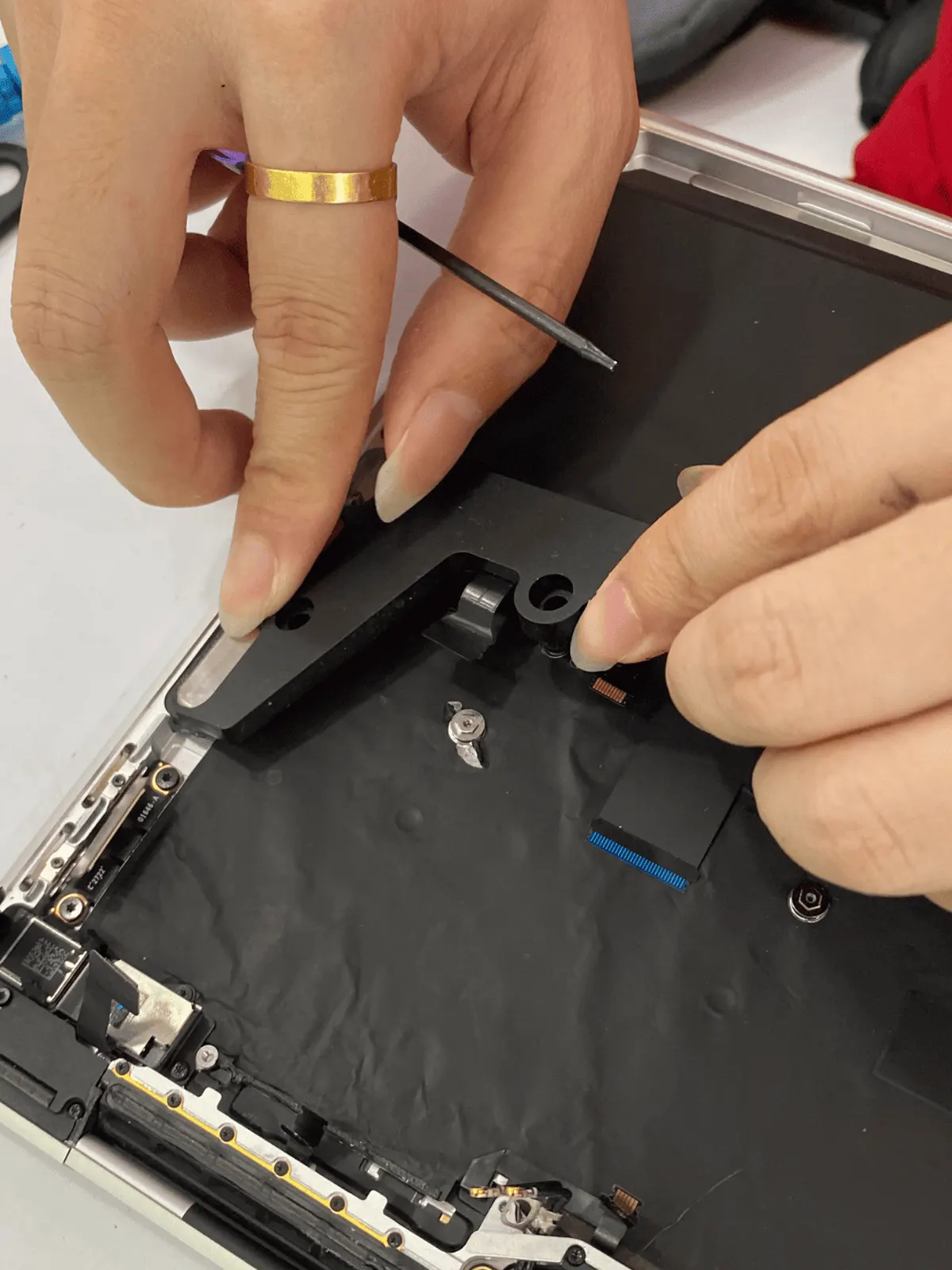
4 checks you can do at home
- 01
Unplug it and hold the power button
Disconnect the charger and hold the power button until it switches off. Don't wait to save your work.
- 02
Turn it upside down, lid open
Rest it like a tent, keyboard facing down, so liquid can drain away from the board.
- 03
Wipe what you can reach
Dry the outside and the keyboard surface with a cloth. Don't use a hair dryer — heat can push liquid further in and warp parts.
- 04
Don't switch it back on to test it
Even if it seems to work, residue under the board keeps corroding. Bring it in to be opened and cleaned.
Don't put it in rice and don't charge it to 'see if it works'. Rice doesn't reach the board, and power is what turns a spill into board damage.
What it usually turns out to be
Liquid on the logic board
Corrosion and short circuits. Needs the board cleaned and inspected under the microscope.
How we fix it →Keyboard and trackpad damage
Sticky or dead keys after the spill.
How we fix it →Won't power on afterwards
The power path or charging circuit is often the first casualty.
How we fix it →Diagnosis is free. We tell you what we found and the quote before any paid work starts.
Questions
It still works after the spill. Do I still need to bring it in?
We'd recommend it. Sugary drinks and coffee leave residue that corrodes over days or weeks — a machine that works today can fail next month.
Can you recover my files if it won't turn on?
On most recent MacBooks the storage is built into the logic board, so getting files back depends on getting the board working again. We'll tell you what's realistic for your model after we've looked.